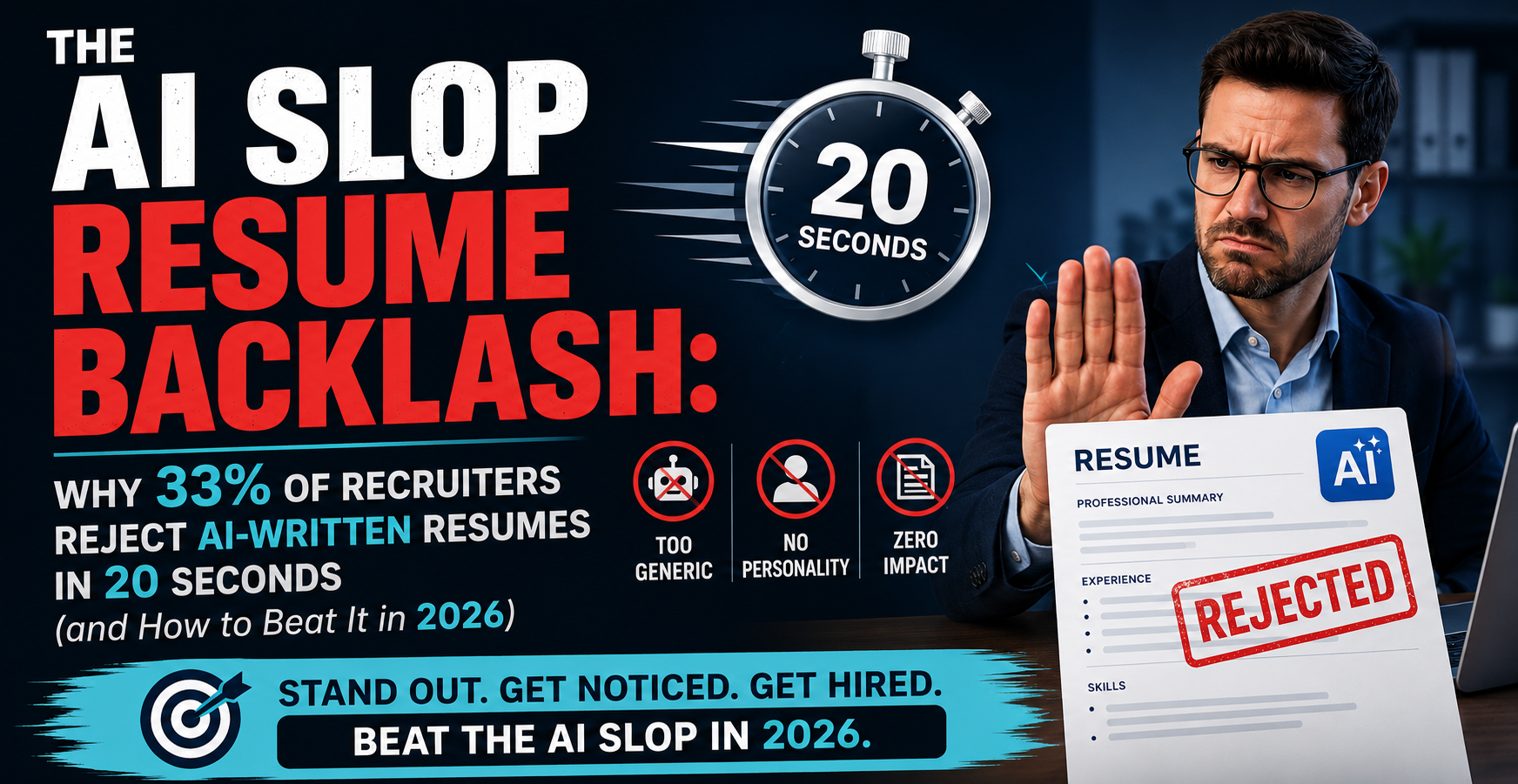
98% of Fortune 500 companies use an Applicant Tracking System to process resumes. 83% now use AI to assist with screening. If your resume cannot be properly read by these systems, it does not matter how qualified you are. This guide covers everything you need to know about ATS in 2026 and exactly how to optimize your resume for it.
What Is an ATS and How Does It Work?
An Applicant Tracking System is software that manages the entire recruitment process. When you submit a resume, the ATS processes it in three stages:
Stage 1 — Parsing: The system extracts your data (name, contact info, work history, education, skills) and converts it into a structured, searchable profile. Fancy templates with columns, tables, and graphics break this step.
Stage 2 — Ranking: The system scans for keywords matching the job description, specifically hard skills, tools, and qualifications. Recruiters typically only review the top 20-30 matches out of potentially hundreds of applicants.
Stage 3 — Filtering: Recruiters can set minimum qualifications and knockout questions. Resumes that fail these criteria are filtered out before human review.
Modern ATS platforms use contextual AI parsing, semantic analysis, and skill clustering. They understand synonyms and variations ("project management" matches "managing projects"), but exact keyword matches still score highest.
ATS by the Numbers
- 98%+ of Fortune 500 companies use ATS
- 80% of large organizations (1,001+ employees) use ATS
- 60% of small businesses now rely on ATS
- 83% of companies use AI for resume screening
- 75% of resumes are rejected because ATS cannot properly read the file
- 88% of employers believe qualified candidates are screened out due to ATS formatting issues
ATS-Friendly Formatting Rules
File Format
Submit as .docx for maximum ATS compatibility. Keep a .pdf version for direct recruiter emails. Never submit scanned PDFs, image files, or uncommon formats.
Fonts
Use Arial, Calibri, Garamond, Georgia, Helvetica, or Times New Roman. Body text at 11-12pt, section headers at 14-16pt. Black text only. Avoid script, display, or decorative fonts.
Layout
- Single-column layout (the safest choice for all ATS platforms)
- Left-aligned text (centered text can be misread)
- Reverse-chronological order
- Margins: 0.5 to 1 inch on all sides
- Standard round bullet points only
Section Headers
Use standard headings: Professional Summary, Work Experience, Education, Skills, Certifications. Write them in ALL CAPS or bold for maximum ATS recognition. Never use creative alternatives like "My Career Journey" or "Where I Have Made an Impact."
What to Avoid
- Tables and text boxes (content is frequently skipped entirely)
- Graphics, images, logos, and icons
- Multi-column layouts
- Headers and footers for critical content (most ATS ignores these)
- Underlining (can affect legibility of lowercase letters)
- Fancy symbols, stars, checkmarks, or arrows
- Skill-rating bars or bubbles
Keyword Optimization Strategy
Finding the Right Keywords
- Copy the job description into a separate document
- Highlight frequently repeated skills, tools, and qualifications
- Note both hard skills (technical) and soft skills (interpersonal)
- Identify industry-specific terminology and certifications
Where to Place Keywords
Modern ATS assigns different weight depending on where keywords appear:
- Job title match: Highest weight
- Skills section: High weight
- Experience bullets with results: Strong weight
- Summary: Medium weight
- Education: Lower weight
Aim for 15-25 relevant keywords per resume. Always include both the full term and its acronym: "Search Engine Optimization (SEO)." Distribute keywords across your summary, skills section, and experience bullets. Never concentrate them in one place.
Context Over Stuffing
Modern ATS detects keyword stuffing. Instead of repeating "strategic" five times in one paragraph, write: "Led strategic planning initiatives that resulted in 15% revenue growth and improved operational efficiency." Keywords must appear in meaningful context with measurable results.
Section-by-Section ATS Optimization
Contact Information
Place at the top of the document body, never in headers or footers. Include: full name, job title, city and state, email, phone, and LinkedIn URL. Separate items with vertical bars or line breaks. Do not list credentials next to your name (e.g., "John Doe, MBA") as this can confuse name parsing.
Professional Summary
Include 3-5 high-priority terms from the job description. Use the exact job title you are targeting. Keep it to 3-5 lines. This is prime keyword real estate.
Skills Section
Create a dedicated section listing 10-15 relevant skills. Include both acronyms and full terms. This section alone will not maximize your ATS score. You must also demonstrate these skills contextually in your experience section.
Work Experience
Use reverse-chronological format. For each role: job title, company name, city/state, and dates in "Month Year" format (e.g., "January 2022 - Present"). Write 4-5 bullet points per role. Start each with an action verb from the job description. Quantify achievements with tangible results.
Education
Include degree, institution name, and graduation date. Add relevant coursework, projects, or certifications that match job keywords.
15 Common ATS Mistakes That Cause Rejections
- Using creative or graphic resume templates with tables and text boxes
- Placing contact information in headers or footers
- Submitting the wrong file format (scanned PDFs, images)
- Using non-standard or decorative fonts
- Embedding text within images
- Missing keywords from the job description
- Using creative section titles instead of standard headings
- Keyword stuffing or white text keyword tricks
- Abbreviating keywords without including the full term
- Leaving gaps in dates without explanation
- Inconsistent formatting (mixed date formats, capitalization)
- Spelling errors (ATS does not interpret intent; misspelled keywords are simply missed)
- Not following application instructions
- Listing credentials next to your name
- Using non-standard bullet characters
How to Test Your Resume for ATS Compatibility
The Plain Text Test
- Copy your entire resume
- Paste it into a plain text editor (Notepad or TextEdit)
- Verify that sections appear in the correct order
- Check that dates, job titles, and company names are readable
- Confirm contact information did not disappear
- Ensure all text is selectable and there are no garbled characters
If the plain text version reads cleanly and logically, your resume will parse well through ATS.
ATS Scanner Tools
Several free tools let you test your resume against specific job descriptions. Upload your resume, paste the job posting, and receive a match score with specific recommendations. Aim for a 75% match rate or higher, though many candidates see interview success with scores as low as 65%.
ATS Myths vs. Reality
Myth: ATS automatically rejects most resumes
Reality: Only about 8% of recruiters enable broad content-based auto-rejection. 92% still rely primarily on human review after ATS sorting. Over 90% of resumes get at least brief human attention.
Myth: PDFs always fail in ATS
Reality: Modern ATS handles text-based PDFs well. The issue is with scanned image PDFs, not all PDFs. However, .docx remains the safest universal option.
Myth: Missing one keyword gets you filtered out
Reality: ATS ranks resumes on overall match. It is not typically a binary pass/fail on individual keywords. However, missing several critical keywords will push you down the ranking.
Myth: Keyword stuffing guarantees passing ATS
Reality: Modern systems detect density anomalies. Keyword stuffing triggers rejection flags. Natural, contextual use within achievement-oriented bullets is far more effective.
Myth: Designed resumes will always be rejected
Reality: Modern ATS platforms like Greenhouse, Workday, and iCIMS can handle various layouts including two-column formats. However, single-column remains the safest option for maximum compatibility across all systems.
The ATS-Friendly Resume Checklist
- .docx file format for ATS submissions
- Standard fonts at 11-12pt, single-column, left-aligned
- Standard section headings in ALL CAPS or bold
- Contact info in document body (not header/footer)
- Both acronyms and full terms for keywords
- "Month Year" date format for all employment dates
- Quantified achievements with numbers and results
- 15-25 relevant keywords distributed naturally
- No tables, text boxes, graphics, or images
- No creative section titles or decorative fonts
- Tested in plain text editor for readability
- 75%+ match score on ATS scanner tools
The Bottom Line
ATS optimization is not about gaming the system. It is about clear communication. A well-formatted, keyword-rich resume that highlights quantifiable achievements will pass through any ATS and impress the human recruiter on the other side. Follow this guide, test your resume, and submit with confidence.