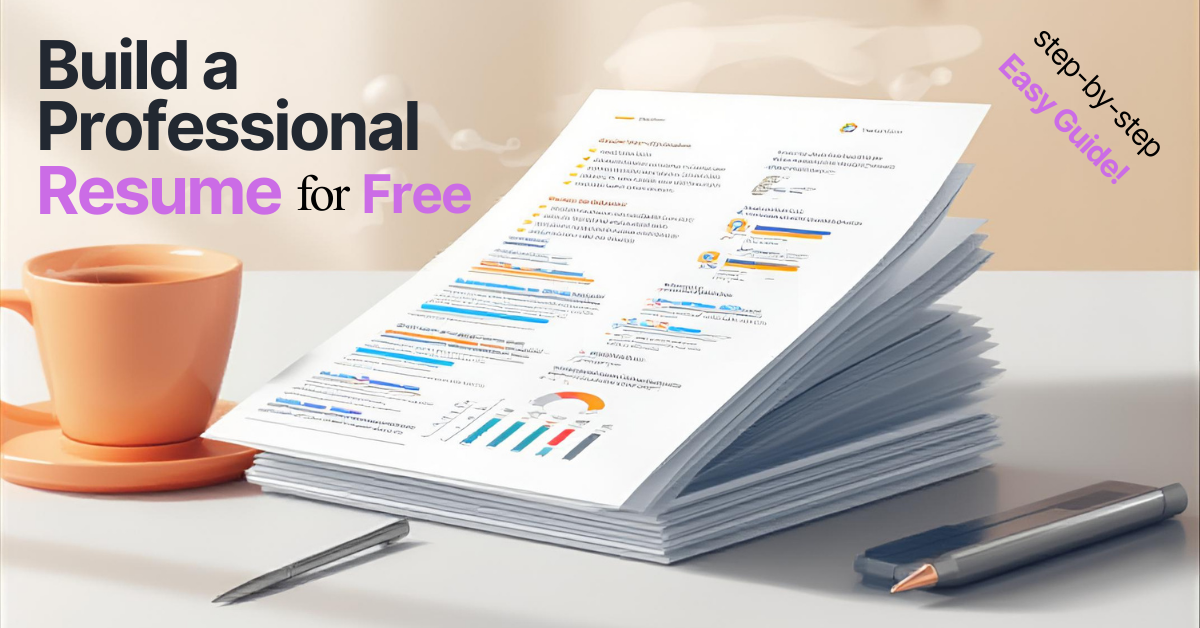
You do not need to spend money on professional resume writers or premium software. Free tools in 2026 are powerful enough to produce polished, ATS-optimized resumes that land interviews. This guide walks you through every step, from choosing a format to the final export.
Step 1: Choose the Right Resume Format
Your format sets the foundation. There are three options, and the right choice depends on your situation.
Reverse-Chronological (Recommended for Most People)
Lists work experience from most recent to oldest. Preferred by over 75% of recruiters and has the highest ATS compatibility. Use this if you have a consistent work history.
Combination/Hybrid
Leads with a prominent skills section, followed by chronological work history. Best for career changers with transferable skills or experienced professionals pivoting to a new field.
Functional (Skills-Based)
Focuses on skills rather than timeline. Use this only if you have significant employment gaps or are entering the workforce for the first time. Many recruiters view this format with skepticism, so use it sparingly.
Quick decision: Consistent work history in the same field? Go chronological. Career change with relevant skills? Go combination. Everything else? Start with chronological.
Step 2: Set Up Your Resume Header
Your header is the first thing both ATS and recruiters see. Include:
- Full name (14-16pt font, prominently displayed)
- Phone number
- Professional email address ([email protected], not [email protected])
- City and state (full street address is no longer necessary)
- LinkedIn profile URL (customized and shortened)
- Portfolio or personal website (if relevant to the role)
Do not include: Photo, date of birth, marital status, or Social Security number. These are unnecessary and can introduce bias.
Step 3: Write a Compelling Professional Summary
Your summary is a 2-4 sentence elevator pitch directly below your contact information. 78% of hiring managers say the summary is what clinches their decision. This is your most important paragraph.
The formula: [Title/Role] with [X years] of experience in [key domain/skills]. [Notable achievement with numbers]. [What you bring to this role].
Example for experienced professional: "Customer Service Manager with 5 years of experience in fast-paced retail environments. Improved team satisfaction scores by 40% and reduced average response time from 24 hours to 6 hours. Seeking to bring leadership and process optimization expertise to [Company]."
Example for career changer: "Former high school teacher transitioning to corporate training, bringing 8 years of curriculum design and public speaking experience. Developed training programs that improved student test scores by 25%. Passionate about translating educational expertise into impactful employee development."
Rules: Tailor the summary to each job application. Avoid generic phrases like "hardworking professional" or "team player." These add zero value. Include measurable achievements wherever possible.
Step 4: Detail Your Work Experience
This section makes or breaks your resume. For each position, include:
- Job Title
- Company Name, City, State
- Dates of Employment (Month/Year format)
- 3-6 bullet points describing your achievements
Writing Bullet Points With Impact
Use the APR framework: Action + Project/Problem + Result
Start every bullet with a strong action verb and end with a measurable outcome. Aim for 1-2 lines per bullet point.
Strong action verbs by category:
- Leadership: Spearheaded, Directed, Orchestrated, Established
- Achievement: Increased, Generated, Reduced, Exceeded
- Creation: Designed, Built, Launched, Implemented
- Analysis: Evaluated, Assessed, Identified, Forecasted
Avoid: "Helped," "Worked on," "Responsible for," "Assisted with." These are vague and passive.
Quantification tip: "$50,000 saved" is good. "$50,000 saved from a $500,000 budget (10% reduction)" is better because it shows scale. Always try to include numbers: revenue, percentages, time saved, team size, or budget managed.
Step 5: Add Your Education
For each entry, include:
- Degree earned (e.g., Bachelor of Science in Marketing)
- Institution name and location
- Graduation date (or expected graduation date)
For recent graduates, add relevant coursework, GPA (if 3.5+), honors, study abroad, and capstone projects. Place Education before Work Experience if it is your strongest section.
For experienced professionals, keep this section brief and place it after Work Experience. Your work history speaks louder than your degree at this point.
Step 6: Showcase Your Skills
Create a dedicated Skills section grouped into sub-categories:
- Technical Skills: Software, programming languages, tools, platforms
- Industry-Specific Skills: Certifications, methodologies, domain expertise
- Soft Skills: Communication, leadership, problem-solving (use sparingly and back up with examples in your bullet points)
Over 75% of recruiters filter candidates by skills. Pull exact keywords from the job description and incorporate them into your Skills section. Include both the full term and its acronym: "Enterprise Resource Planning (ERP)."
Step 7: Add Optional Sections
Include these when they strengthen your candidacy:
- Certifications and Licenses — Especially valuable for technical and healthcare roles
- Volunteer Experience — Shows character and can fill gaps
- Projects — Great for recent graduates and career changers
- Languages — Increasingly valuable in global companies
- Awards and Honors — Only if relevant and recent
Step 8: Handle Special Situations
Employment Gaps
For short gaps (under 12 months), list only years instead of months to minimize visibility. For longer gaps, create a separate entry explaining what you accomplished: freelance projects, online courses, volunteer work, or personal development. Frame it positively: "Professional Development Period" or "Career Sabbatical."
Career Changes
Use the combination resume format. Focus your summary on transferable skills and the specific value you bring to the new field. Translate prior experience into language the new industry understands.
No Experience
Lead with education, relevant coursework, and academic projects. Highlight internships, part-time jobs, volunteer work, and extracurricular activities. Emphasize transferable skills: teamwork, communication, problem-solving.
Step 9: Polish the Design
- Font: Arial, Calibri, or Times New Roman. 10-12pt body, 14-16pt headers
- Margins: 0.5 to 1 inch on all sides
- Layout: Single-column for maximum ATS compatibility
- Color: Use sparingly. Navy blue or dark gray for headings only
- Bullets: Standard round bullets. Avoid non-standard symbols
- Length: 1 page for 0-5 years experience. 2 pages for 5+ years. Never leave a second page half-empty
Step 10: Final Checklist Before Submitting
- Proofread for spelling and grammar errors
- Verify all dates, company names, and job titles are accurate
- Ensure consistent formatting throughout
- Save as both .docx (for ATS) and .pdf (for direct submissions)
- Test ATS compatibility: copy and paste the text into a plain text editor. If it reads cleanly, ATS can parse it
- Tailor the resume for the specific job application
- Ask someone else to review it for clarity and impact
Start Building Today
A professional resume does not require a professional budget. Follow these ten steps, focus on quantifiable achievements, keep the formatting clean, and tailor every application. Your resume is the bridge between where you are and where you want to be. Build it well.