Autumn can bring a fresh wave of job adverts, and it is tempting to send the same resume to every promising role. Before you apply, take a few minutes to check whether the document is readable and whether it clearly shows why you fit that particular job.
An applicant tracking system (ATS) is software employers may use to collect and organise applications. Different systems and employer settings work differently. An ATS is not one universal robot that scores every resume in the same way, and a formatting check cannot guarantee an interview. But you can reduce avoidable reading problems and make your relevant experience easier for both software and people to find.
This guide explains how to check if a resume is ATS-friendly, what to fix, and how to make a useful resume match to a job description without stuffing it with keywords.
What does ATS-friendly mean?
An ATS-friendly resume is a document whose text and structure are relatively easy for a system to extract and organise. It also uses clear, conventional labels and presents relevant experience in language that connects to the vacancy.
That does not mean writing for software instead of a recruiter. A resume still needs to be accurate, readable and easy to scan. A system may help an employer sort or search applications, but the process varies by organisation. Some employers use additional screening questions or criteria; others may review applications in different ways.
Think of an ATS resume check as one part of your preparation: it can point out potential formatting and content issues, but it cannot predict the employer's decision or replace careful tailoring.
How to check if a resume is ATS-friendly
1. Check that your text is selectable
Open the file and try to select a sentence, then copy and paste it into a plain-text document. If the text appears in a sensible reading order, that is a useful first sign. If the page pastes as a picture, characters are missing, or sections appear scrambled, the file may be difficult to process.
This quick resume compatibility check is not a guarantee that every system will read the file perfectly. It helps you catch obvious problems, especially if your resume was exported from a design tool or scanned from paper. If you have a scanned document, use an editable source file or reliable text recognition, then proofread the result carefully.
2. Review the page structure
Look at the resume as a reader would. Is your name and contact information easy to find? Are your roles, employers and dates clearly associated? Do your section headings describe what follows? Then check the plain-text copy: does the information still make sense without colour, icons or visual positioning?
Keep the structure straightforward. Use a clear font, readable type size, consistent spacing and standard headings such as “Work Experience”, “Education” and “Skills”. A simple, single-column layout is usually easier to follow than a page built from many separate text boxes.
3. Compare your resume with the vacancy
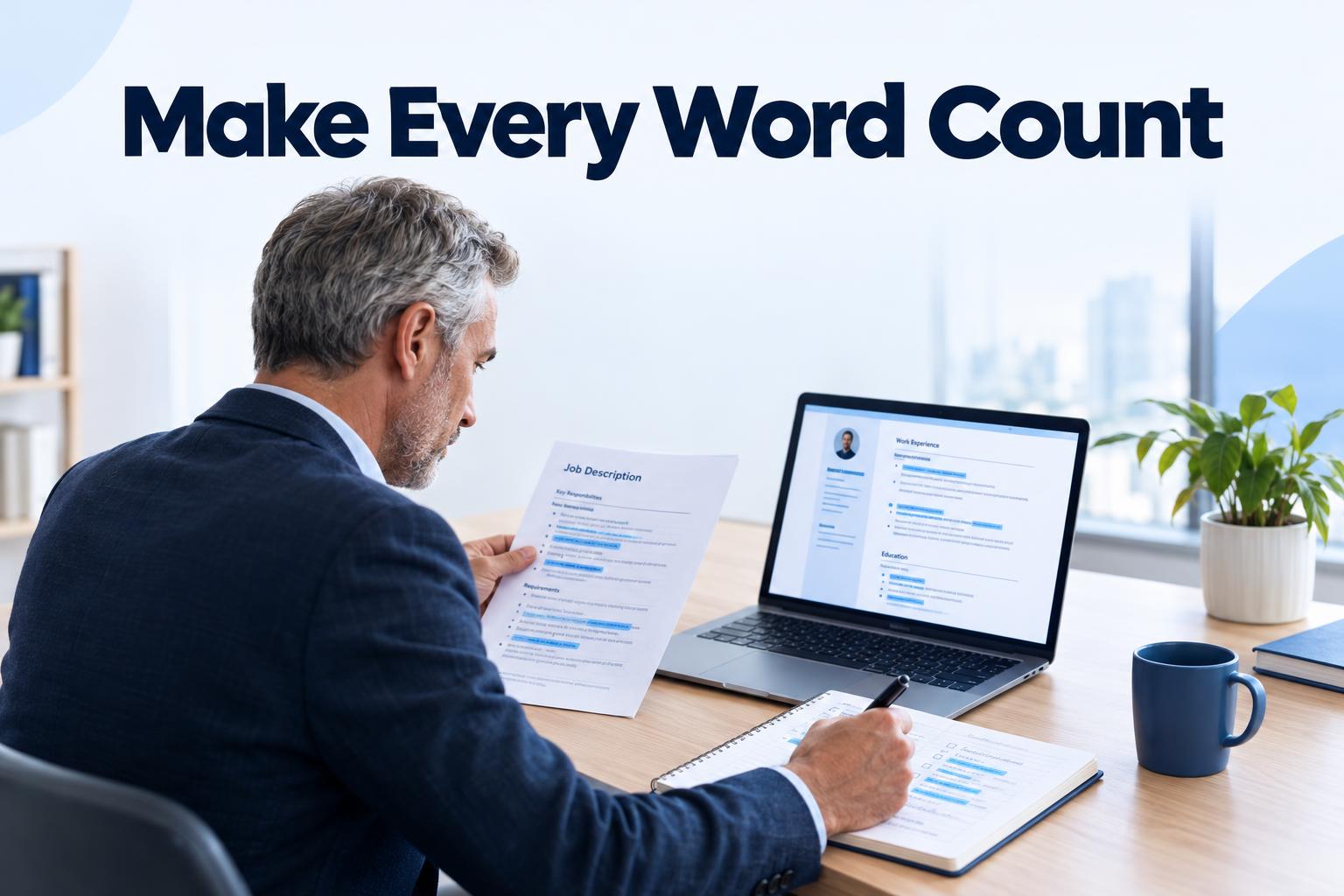
Read the advert once for the role's purpose, then again to identify its main responsibilities, required skills, tools and qualifications. Mark the requirements that genuinely match your experience. Check whether your resume gives clear evidence of them, rather than simply repeating a list of terms.
A Clever CV ATS check can give feedback on your resume's content and formatting. You can also use the resume scoring tool to review how well your resume aligns with a job description. Treat feedback as guidance to inspect, not as a pass or fail result.
ATS resume formatting: what to keep simple
Visual design can make a resume distinctive, but complex layouts may make the reading order less predictable when information is extracted. A restrained format is often a practical choice when you do not know how an employer's system handles a particular design.
- Use conventional section headings. “Experience” or “Employment History” is clearer than a creative heading that could be misunderstood.
- Use a consistent layout. Keep job titles, employer names and dates in a predictable order. Use standard bullet points for achievements and responsibilities.
- Be careful with columns and text boxes. Some systems may read across columns in an unexpected order. Put essential details in the main body of the document, not only in a side panel.
- Avoid relying on icons or images. Write your email address, phone number and location as text rather than using symbols alone. Do not put important information in a logo or graphic.
- Use familiar fonts and restrained styling. Bold text can help identify headings or job titles, but decorative fonts, heavy design elements and dense blocks can reduce readability.
- Follow file instructions. If the employer requests a particular format, use it. Otherwise, choose a text-based PDF or DOCX and check that the text can be selected and copied.
These are sensible precautions, not universal technical rules. An ATS resume mistake is not necessarily a certain reason for rejection: software capabilities differ. The goal is to avoid making important information needlessly hard to find.
How to improve a resume for ATS and the hiring manager
Use relevant terms honestly
Look for repeated or prominent wording in the advert, including the role title, professional skills, software, methods and qualifications. Where a term accurately describes your background, use it naturally in the relevant section. For example, if the advert asks for “customer relationship management” and you have done that work, you might use the phrase in a skills list and explain how you used it in a role.
Do not paste the advert into your resume, hide keywords, or claim experience you do not have. Keyword stuffing can make the document awkward to read and may undermine trust. If the advert uses a term you know by another name, you can clarify the connection in context, as long as it is accurate.
Show evidence, not just claims
A skills list can help readers locate relevant strengths, but examples make those strengths more convincing. Instead of writing only “communication”, explain what you communicated, to whom, and for what purpose. Where you can, include the scope or outcome of your work. Use figures only when you know they are accurate and can explain them.
For an early-career applicant, evidence might come from a placement, course project, volunteering or a part-time role. Make the setting clear and describe your own contribution. Do not make an experience sound more senior or extensive than it was.
Make the most relevant experience easy to spot
Put relevant skills and experience where they are likely to be noticed, while keeping your history accurate and easy to follow. Use clear dates and consistent formatting. If a career change or gap needs context, a concise explanation can help the reader understand your path; do not distort dates to make a timeline look uninterrupted.
For a practical starting point, you can build or edit a resume with Clever CV, then tailor it for the vacancy. Building is free; downloading requires Pro. The important step is to review the finished document and make sure every claim is true and relevant.
A quick resume match to job description checklist
Before you apply, put the advert and your resume side by side and ask:
- Have I identified the core responsibilities and requirements?
- Does my resume show evidence for the requirements I actually meet?
- Have I used relevant terms from the advert naturally and accurately?
- Are the most relevant skills and examples easy to find?
- Can I select and copy the text, and does it appear in a sensible order?
- Are headings, dates, contact details and file format clear?
- Have I removed details that distract from this application or do not support my fit?
If you need to write a supporting letter as well, keep it consistent with your resume and focus on the employer's needs. You can draft a cover letter after you have identified the strongest examples for the role.
Common ATS resume mistakes to avoid
- Sending one unchanged resume everywhere. A general resume may leave the employer to guess how your experience connects to the role.
- Using design instead of clear wording. A skill shown only through a graphic or icon may not communicate the information in plain text.
- Copying every keyword into a skills block. List only skills you can support with real examples.
- Leaving out context. A job title alone rarely explains the tasks, tools or outcomes that demonstrate your suitability.
- Trusting a score as a guarantee. A tool can flag possible gaps, but it cannot know every employer's screening process or decide whether your application is right for the role.
Make the check part of your application routine
Checking a resume does not need to become a major project. Start with the file: make sure the text is readable and the structure is clear. Then compare the content with one specific vacancy, adding relevant evidence and removing distractions. Finally, proofread the document and follow the employer's application instructions.
That routine gives you a better basis for applying than guessing what an ATS might do. Use an ATS resume check for clear feedback, make changes that are supported by your experience, and keep the final resume easy for a person to understand. No compatibility check can promise an interview, but a relevant, readable application helps present your experience clearly.