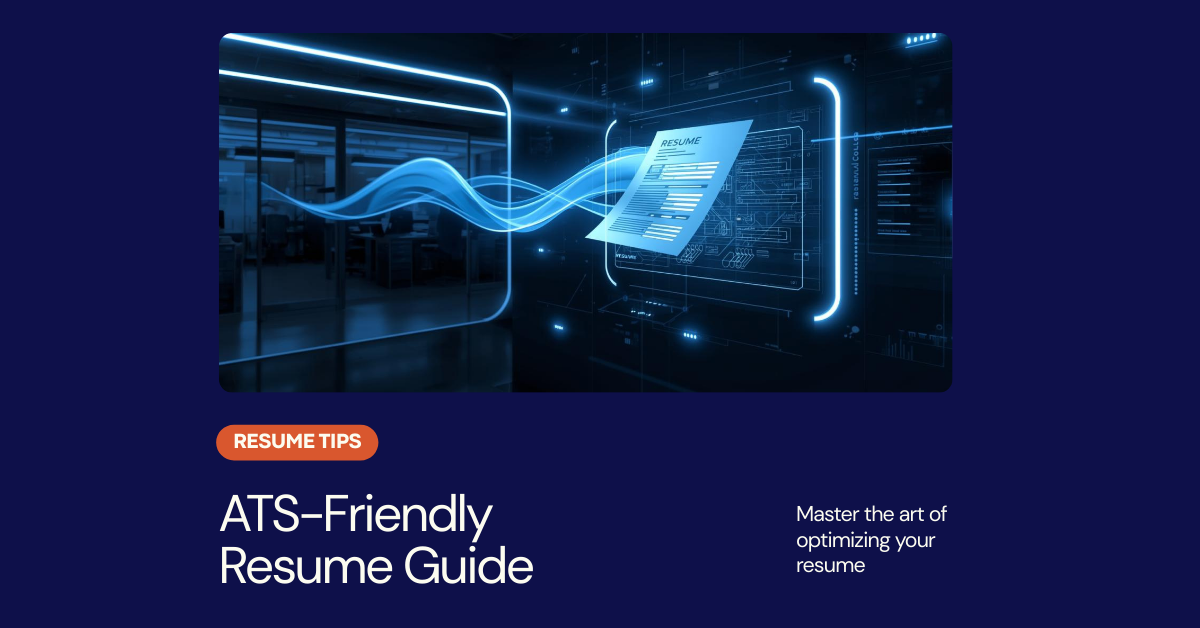
75% of resumes are rejected by ATS before a human ever sees them. Applicant Tracking Systems are the gatekeepers of modern hiring. This comprehensive guide teaches you exactly how to optimize your resume to pass ATS screening and land interviews.
What is an ATS?
An Applicant Tracking System (ATS) is software that companies use to collect, sort, scan, and rank job applications. It filters candidates based on keywords, skills, experience, and formatting before passing qualified resumes to recruiters.
How ATS Scans Your Resume
Text Extraction
ATS extracts all text from your resume. Complex formatting, images, and graphics often fail to parse correctly.
Section Identification
The system identifies sections like Experience, Education, and Skills based on standard headers.
Keyword Matching
Your resume is compared against the job description for relevant keywords and phrases.
Scoring & Ranking
Candidates are ranked by match percentage. Only top-scoring resumes reach human reviewers.
ATS-Friendly Formatting Rules
✓ Use These
- Standard fonts (Arial, Calibri, Times New Roman)
- 11-12pt font size for body text
- Simple bullet points (•)
- Standard section headers
- Single column layout
- .docx or simple PDF format
- Clear spacing between sections
✗ Avoid These
- Tables and text boxes
- Headers and footers
- Images, logos, or graphics
- Multiple columns
- Unusual fonts or symbols
- Colored backgrounds
- Embedded charts or graphs
Standard Section Headers ATS Recognizes
Keyword Optimization Strategy
Step 1: Analyze the Job Description
Copy the job posting into a word cloud tool or manually highlight repeated skills, qualifications, and requirements.
Step 2: Match Exact Phrasing
If the job says "project management," use that exact phrase—not "managed projects" or "PM."
Step 3: Include Variations
Use both acronyms and full terms: "Search Engine Optimization (SEO)" covers both searches.
Step 4: Natural Integration
Weave keywords into context. "Managed projects" is better than a skills list with random terms.
Popular ATS Systems to Know
Workday
Used by 50%+ of Fortune 500. Very strict on formatting. Avoid all graphics.
Taleo (Oracle)
Legacy system still widely used. Prefers .docx format over PDF.
Greenhouse
Popular with tech companies. More modern parsing but still prefers clean formatting.
Lever
Startup favorite. Better at parsing creative formats but still benefits from simplicity.
ATS Resume Checklist
💡 Pro Tip: Test Your Resume
Use free ATS scanning tools like Jobscan or Resume Worded to check your resume's ATS compatibility before applying. These tools show your match percentage and suggest improvements.