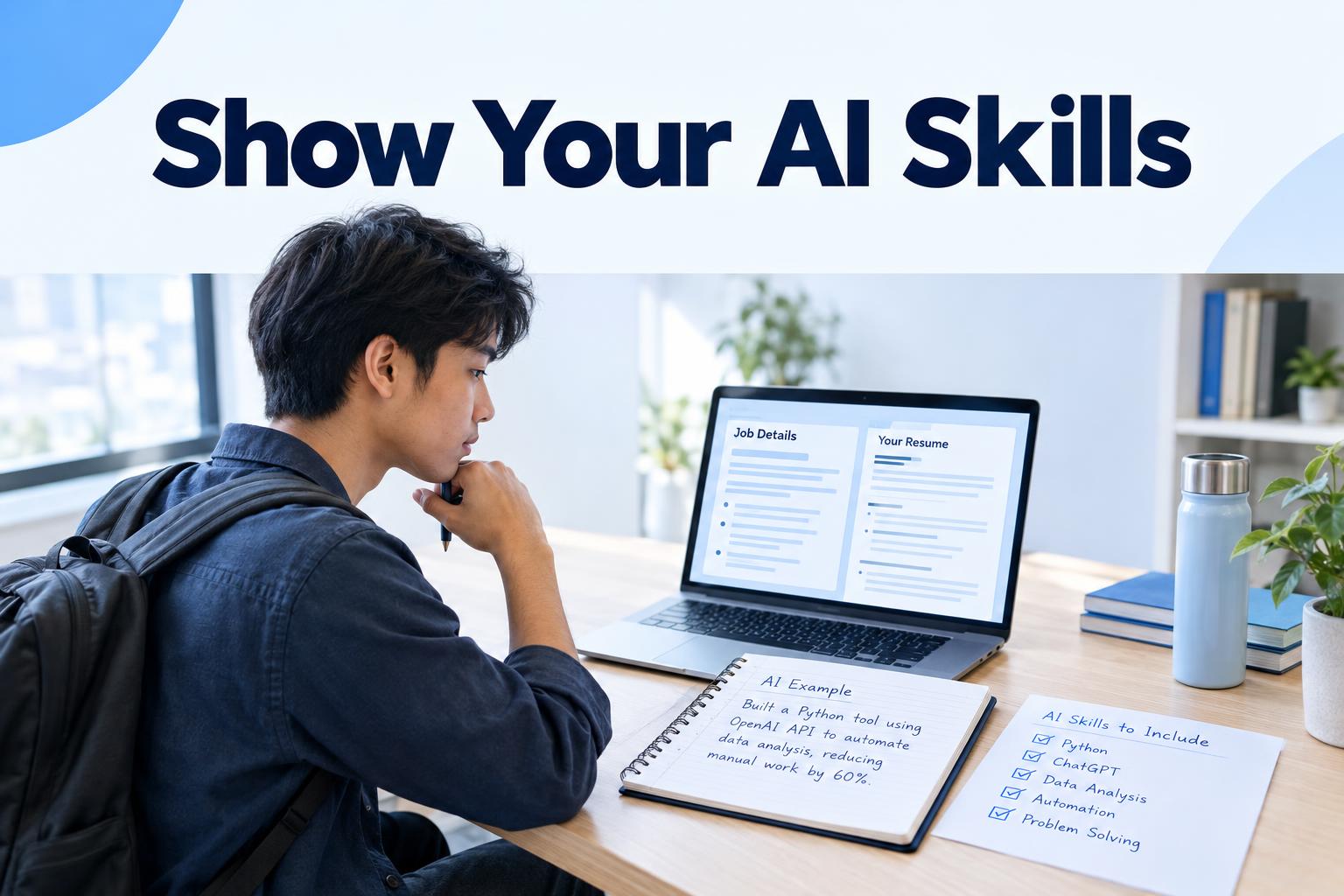
AI skills can mean very different things: using a writing assistant to organise research, analysing data with machine-learning software, or building and deploying AI systems. Simply adding ‘AI’ to your resume does not tell an employer which of these you can do—or how well.
A stronger approach is to connect a relevant tool to a real task, explain your contribution and be clear about how you checked the result. This guide shows how to list AI skills on your resume in a specific, credible way, with examples you can adapt to your own experience.
Start with the job ad, not a list of tools
Before adding AI skills, read the job description and identify what the employer actually needs. Look for named tools, responsibilities and capabilities, such as data analysis, drafting, workflow automation, research, prompt design or reviewing AI-generated output.
Separate requirements from preferences. A tool described as essential deserves more attention than one mentioned as an advantage. Also check the context: a role may expect someone to develop AI systems, while another may only need someone who can use approved tools carefully in everyday work.
Make a short list of the relevant requirements, then match each one to experience you can honestly support. If the ad asks for experience using AI to summarise research, for instance, consider whether you have done that in a job, a course, a personal project or another setting. If you have not, do not imply that you have.
Use a simple formula: tool, task, evidence
A useful AI skills statement answers three questions: Which tool or type of tool did you use? What task did you use it for? What did you do to check, improve or apply the output?
Where you can, add a result that you can explain and substantiate. This might be a completed deliverable, a more consistent process or a documented improvement. Do not invent figures or imply that an AI tool alone produced an outcome that depended on your wider work.
For example, ‘Skilled in AI’ is vague. A more informative line might be: ‘Used a generative AI assistant to create first drafts of internal FAQs, then checked the content against approved guidance before publication.’ This names the kind of tool, the task and your quality check. Adapt it only if it accurately describes what you did.
Where to put AI skills on your resume
In a skills section
Use the skills section for tools and capabilities that are relevant to the role. Be precise: ‘Generative AI tools: drafting and summarising; output review’ is more informative than ‘AI expert’. If the job ad names a tool you have used, you can name it, too. Avoid listing a tool simply because it is popular.
Keep the section readable and consistent with the rest of your resume. A short list of relevant, supported skills is usually more useful than a long inventory of software you have only tried once.
In your work experience
Use an experience bullet to show how you applied a skill in context. Describe your own role, the task and any checks you carried out. For example: ‘Used an AI assistant to organise themes from customer feedback, reviewed the categories against source comments and shared a summary with the product team.’
This example does not claim that the tool made the decision or that the summary changed business results. It gives an employer a clearer picture of your work and judgement.
In a project or education section
If you have not used AI in paid work, a course assignment, personal project or volunteer task may still be relevant. Label the setting accurately. Explain what you built or completed, which tools you used and what you learned. Do not present a practice project as professional experience.
AI resume examples: make the claim match the evidence
These examples show ways to describe experience. Use them as patterns, not claims to copy. Replace the details with work you actually completed, and leave out anything you cannot explain in a conversation.
- Marketing: ‘Used a generative AI tool to develop initial headline options for a campaign; edited the copy for brand voice and checked claims against approved product information.’
- Administration: ‘Used an AI assistant to organise meeting notes into draft action items; checked names, dates and responsibilities against the original notes before sharing.’
- Research: ‘Used an AI tool to help group sources by topic, then reviewed the original material and wrote the final evidence summary.’
- Data work: ‘Used an AI coding assistant to suggest a draft query, tested it against sample records and reviewed the output before using it in analysis.’
- Technical development: ‘Used an AI coding assistant to propose test cases, then adapted and ran the tests as part of the project’s existing review process.’
Notice that the examples focus on work and judgement, not on presenting AI as a replacement for either. If you have a verified result, you can add it—for example, a deliverable completed or a process improved. Be ready to explain how you measured that result and what part you contributed.
How to describe generative AI skills on a resume
‘Generative AI skills’ covers a wide range of abilities. Choose the ones you can demonstrate. Depending on your experience and the vacancy, these might include:
- Writing clear instructions or prompts for a defined task.
- Using AI to draft, summarise, classify or brainstorm, with human review.
- Checking outputs for accuracy, relevance, tone or missing context.
- Editing generated material so it meets the needs of a particular audience.
- Following workplace rules for confidential, personal or sensitive information.
Only include capabilities that reflect your practice. For example, do not claim to be an expert in prompt engineering if you have only used simple requests. ‘Used prompts to generate and refine first-draft customer communications’ may be more accurate if that is what you did.
Be careful with technical labels, too. Using an AI product is not the same as training a model, building a machine-learning system or evaluating one professionally. Name the technical work you actually performed, rather than relying on a broad label that could suggest more than your experience supports.
Match your examples to the job description
Tailoring your resume means choosing the most relevant evidence and describing it in language the employer can understand. It does not mean copying every phrase from the ad or claiming a skill you do not have.
- Identify the requirement. Note the task or capability the employer asks for, including any named AI tool.
- Find your closest real example. Look across work, study, volunteering and personal projects, and be clear about the setting.
- Use accurate, familiar wording. If the job ad says ‘summarise research’, use that wording when it genuinely describes your work.
- Show your part. Explain what you did, rather than giving the tool credit for a team result or implying you made decisions you did not make.
- Check the claim. Make sure you can describe the process, your checks and any result if asked.
A resume tailored to a job description should make the connection easy to spot. You can use the Clever CV resume builder to draft and edit your resume, then use its job-matching features to compare your content with a specific job description. An ATS check can also give feedback on content and formatting. Treat feedback as a guide: review it yourself and keep the final wording accurate.
Common mistakes to avoid
- Listing tools without context. A row of product names does not show what you can do with them.
- Using inflated labels. Words such as ‘expert’ or ‘advanced’ should reflect substantial, relevant experience you can explain.
- Claiming an outcome without evidence. Avoid attributing a result to AI unless you know what changed and how it was assessed.
- Ignoring review and responsibility. Where it matters to the task, explain how you checked outputs and applied your own judgement.
- Including irrelevant tools. Keep the focus on skills that support the role rather than adding AI terms for their own sake.
- Sharing confidential information. Do not put protected employer, customer or personal data into a tool unless your organisation’s rules allow it.
Check your resume before you apply
Read every AI-related line and ask: Is this true? Is the tool or task clear? Can I explain my contribution? Does this matter for the job? Would a reader understand what I checked or delivered? If the answer to any of these is no, revise the claim or remove it.
Then check the whole resume for consistency. A skill listed near the top should be supported by an example where possible, and your experience bullets should not suggest a higher level than your skills section. Keep formatting straightforward so that people and applicant tracking systems can read the information.
The most convincing AI skills on a resume are not necessarily the most technical. They are the ones that show how you used a relevant tool responsibly, what work you contributed and why that experience fits the role. Specific evidence is more useful than a sweeping claim—and easier to stand behind in an application.