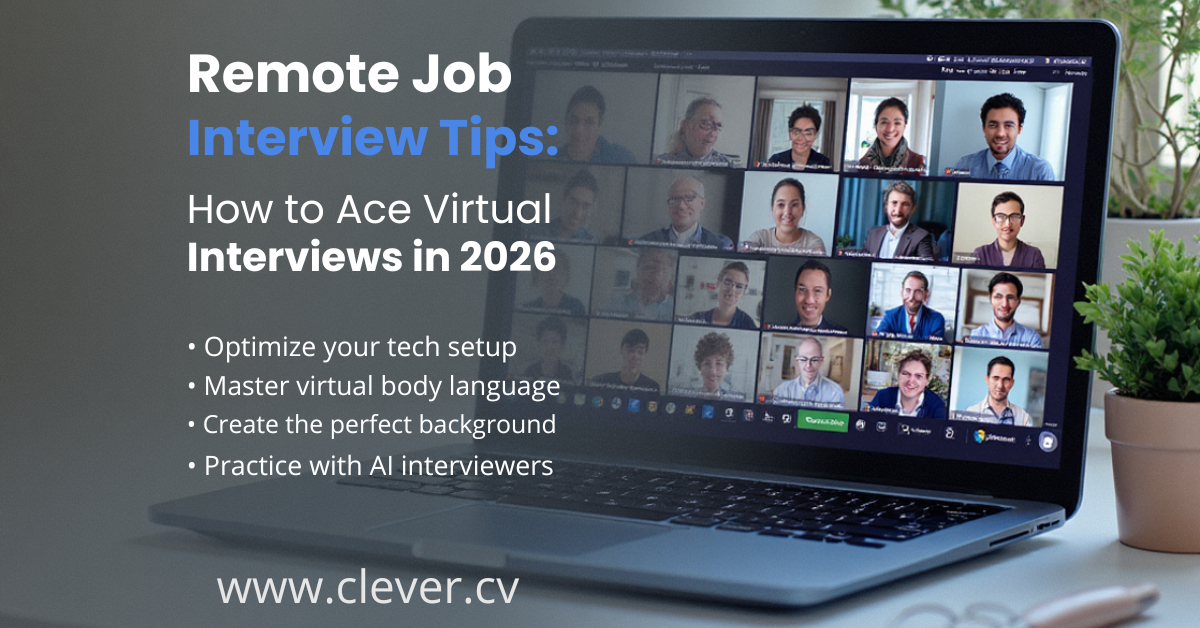
In 2026, remote positions receive 3x more applications than on-site roles, making virtual interview skills essential. Whether you're interviewing from home or a hybrid setup, mastering the virtual interview is your key to standing out in today's competitive job market.
The Remote Interview Landscape
Remote work has fundamentally changed how companies hire. Understanding this shift gives you a competitive advantage.
Technical Setup Essentials
Before your interview, ensure your technology is flawless. Technical issues create immediate negative impressions.
Equipment Check
- Test webcam and microphone 24 hours before
- Use wired internet connection if possible
- Have backup device ready (phone/tablet)
- Charge all devices to 100%
Audio Quality
- Use headphones with built-in microphone
- Test audio levels in advance
- Eliminate background noise
- Mute notifications on all devices
Lighting Setup
- Face a window or ring light
- Avoid backlighting (windows behind you)
- Soft, even lighting on your face
- Test appearance on camera beforehand
Background
- Clean, professional, uncluttered space
- Neutral colors work best
- Virtual backgrounds only if necessary
- Remove distracting items
Virtual Presence Mastery
👁️ Eye Contact
Look at your camera lens, not the screen. This creates the impression of direct eye contact. Place a small sticker near your camera as a reminder.
🧍 Body Language
Sit up straight, lean slightly forward to show engagement. Keep shoulders relaxed. Position yourself so your head and upper torso are visible—not just your face.
🗣️ Voice & Pace
Speak 10-15% slower than normal conversation. Enunciate clearly. Pause between points. Video lag can make fast talkers seem to interrupt.
👔 Professional Attire
Dress fully professional—including pants. You may need to stand unexpectedly. Avoid busy patterns that can distort on camera.
Platform-Specific Tips
Zoom
Enable "Touch up my appearance" in video settings. Test virtual backgrounds beforehand. Use keyboard shortcuts: Space to temporarily unmute.
Microsoft Teams
Enable "Blur my background" for clean visuals. Test in the "Calls" section before the interview. Ensure your status shows as available.
Google Meet
Works best in Chrome browser. Use "Check your audio and video" before joining. Enable captions if helpful for understanding.
Webex/Other
Download the app in advance—don't rely on browser versions. Test all features including screen sharing. Have the meeting link easily accessible.
Common Virtual Interview Mistakes
Multitasking
Interviewers can see your eyes moving to other screens. Close all unnecessary tabs and applications.
Poor Framing
Too close (just face) or too far (tiny in frame) both look unprofessional. Frame from chest up with some headroom.
Ignoring Time Zones
Confirm the interview time zone. Use a world clock to verify. Be ready 10 minutes early.
No Backup Plan
If tech fails, have the interviewer's phone number ready. Know the phone-dial option for video calls.
Remote-Specific Questions to Prepare
"How do you stay productive working from home?"
Discuss your workspace setup, time management tools, and daily routines that ensure productivity.
"How do you communicate with remote team members?"
Mention specific tools (Slack, Teams) and your approach to async vs. sync communication.
"How do you handle work-life boundaries?"
Demonstrate self-awareness about maintaining balance while being available when needed.
"Describe your home office setup."
Show you have a professional, distraction-free environment ready for remote work.
Post-Interview Best Practices
Send Thank-You Email
Reference specific conversation points. Reiterate your interest and fit for the role.
Connect on LinkedIn
Send personalized connection requests to interviewers with a brief, professional note.
Reflect & Document
Note questions asked, your responses, and areas to improve for future interviews.