ATS-Friendly Resume Templates
ATS-friendly resume templates, designed with recruiters and tested against applicant tracking systems. Pick a layout, let the AI writer help with the wording, and download a polished PDF in minutes.
Choose your template
 Premium
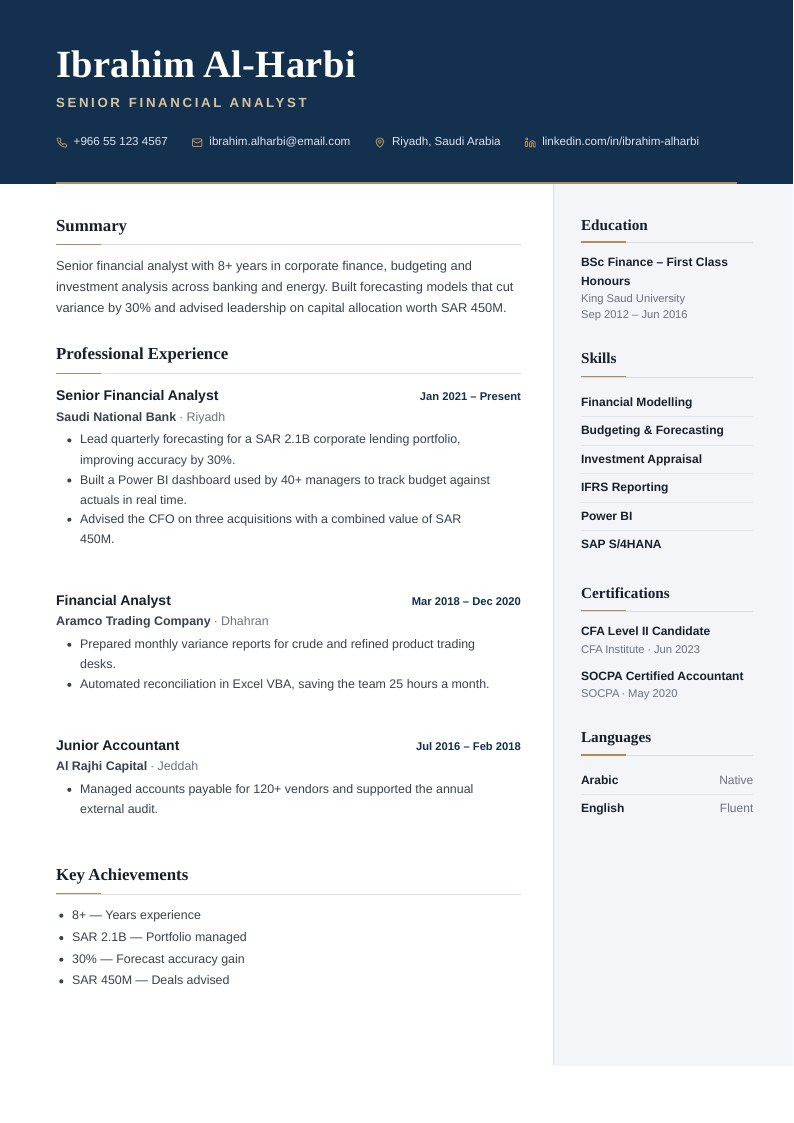
Meridian Executive
Professional
Navy name band with a fine gold rule, two columns with a light side panel for education, competencies, certifications and languages. Optional round photo.
 Premium
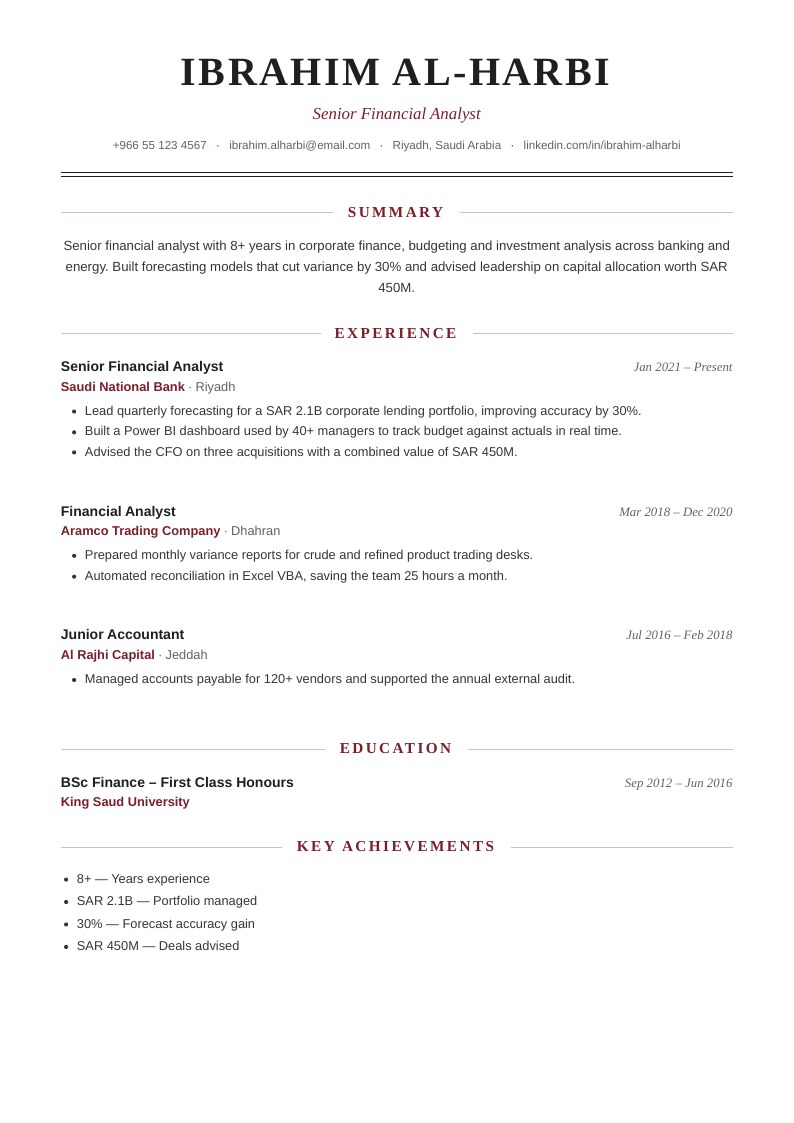
Classic Serif
Professional
Traditional one-column layout with a centred serif name, italic title, double rule and centred section headings. Optional photo.
 Premium
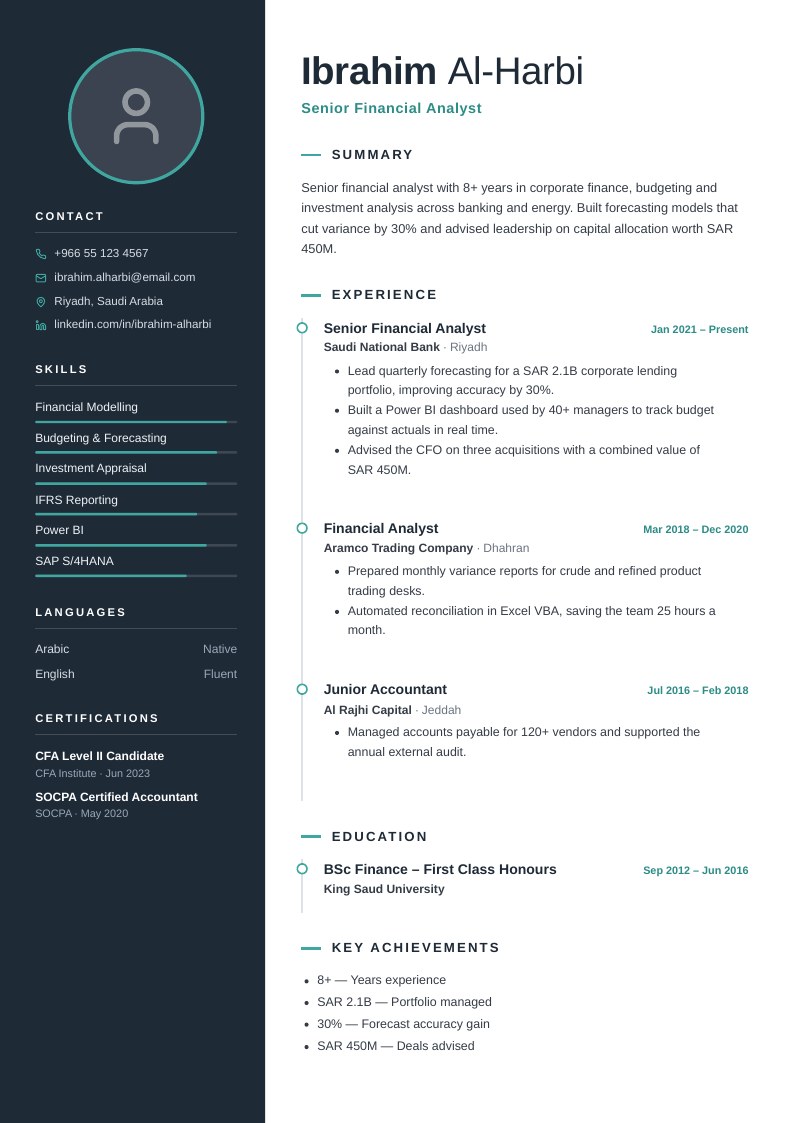
Slate Photo
Modern
Dark slate sidebar with a round photo, contact, skills and languages; experience and education on a teal timeline.
 Premium
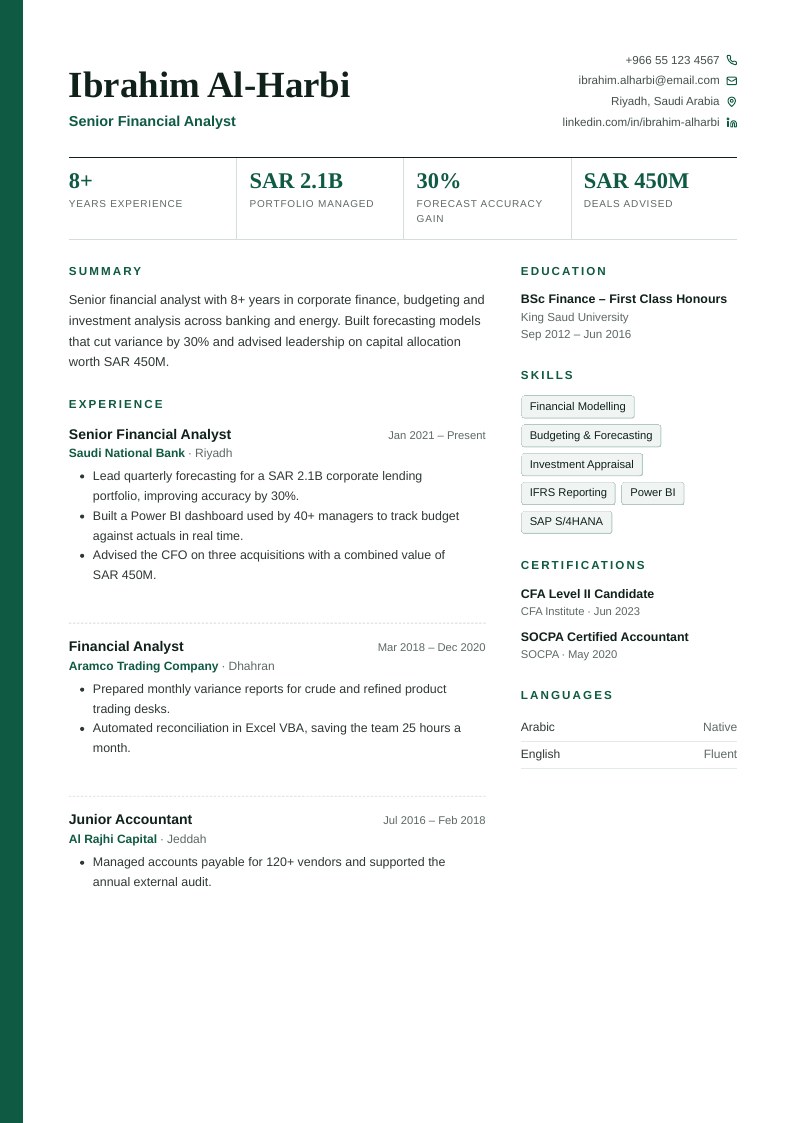
Corporate Figures
Professional
Deep green edge stripe, serif name, an optional strip of key figures from Key Achievements, skill tags and a narrow side column.
 Premium
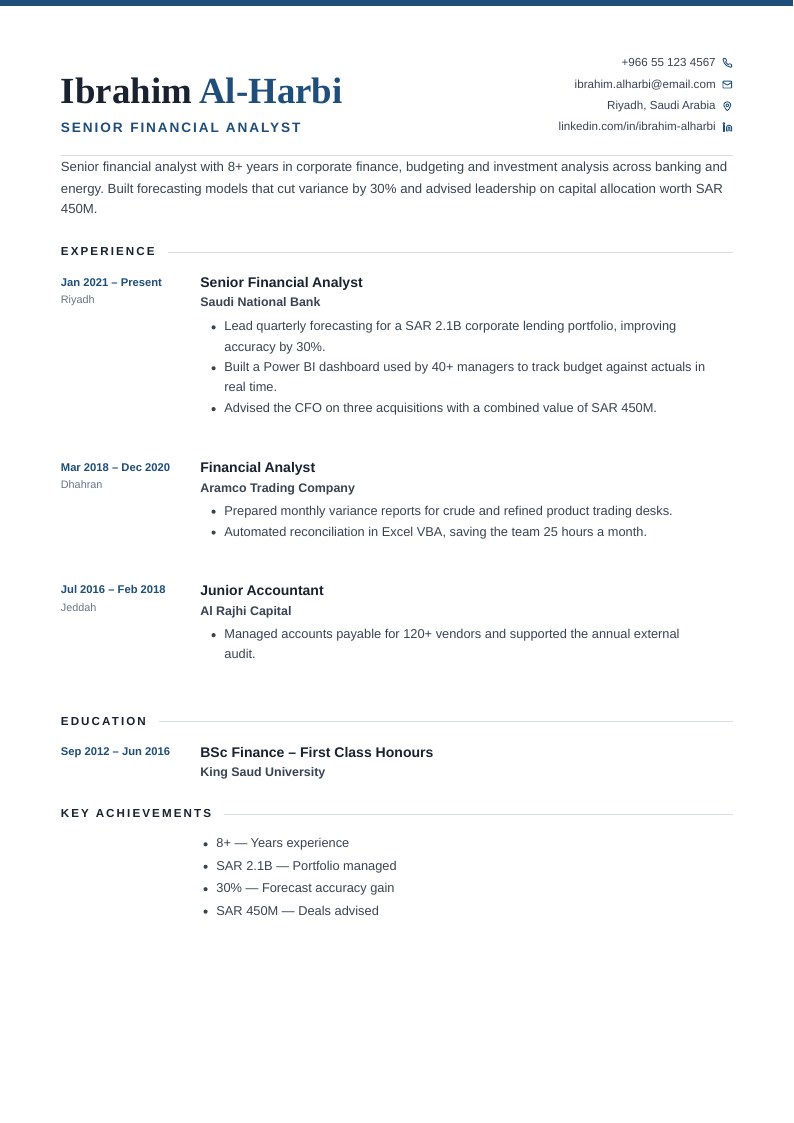
Meridian Professional
Professional
Light one-column layout with a date gutter, serif name with the surname in colour, and skills beside languages and certifications.
 Premium
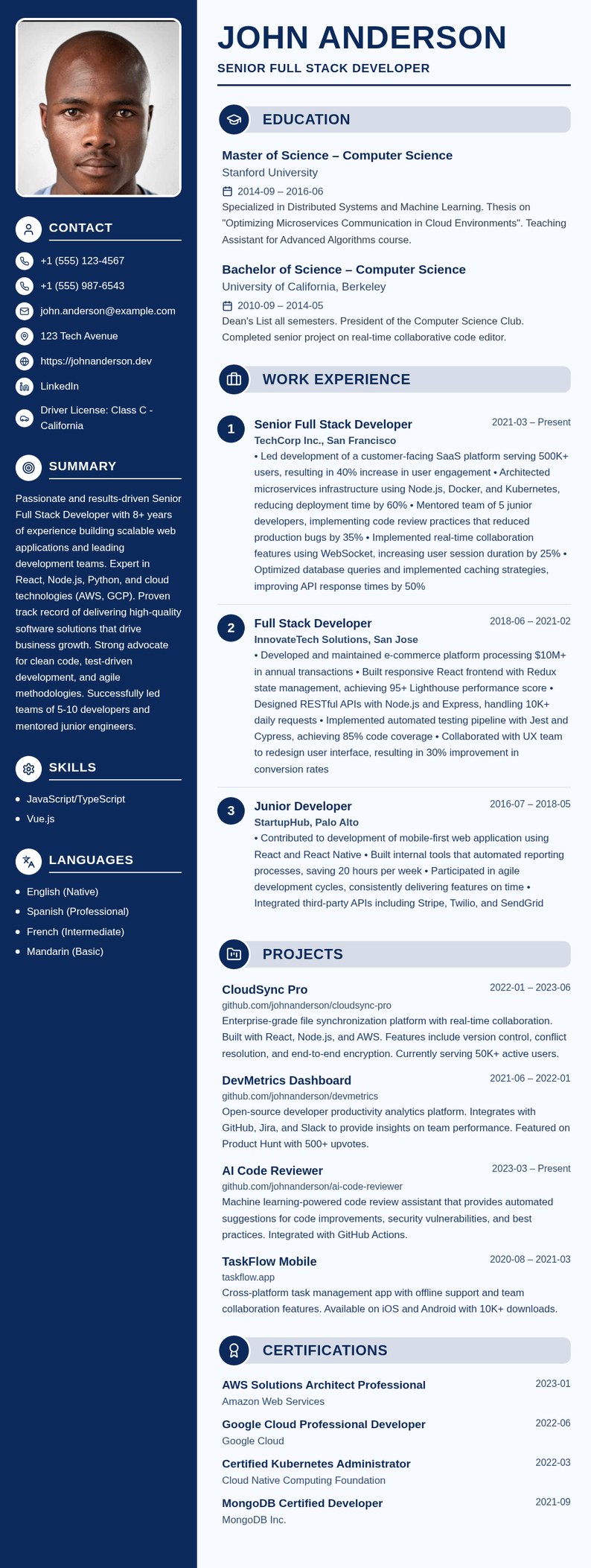
Navy Sidebar Pro
Professional
Navy sidebar with photo, contact, objective, skills and languages; large name, pill section headers with icons and numbered experience.
 Premium
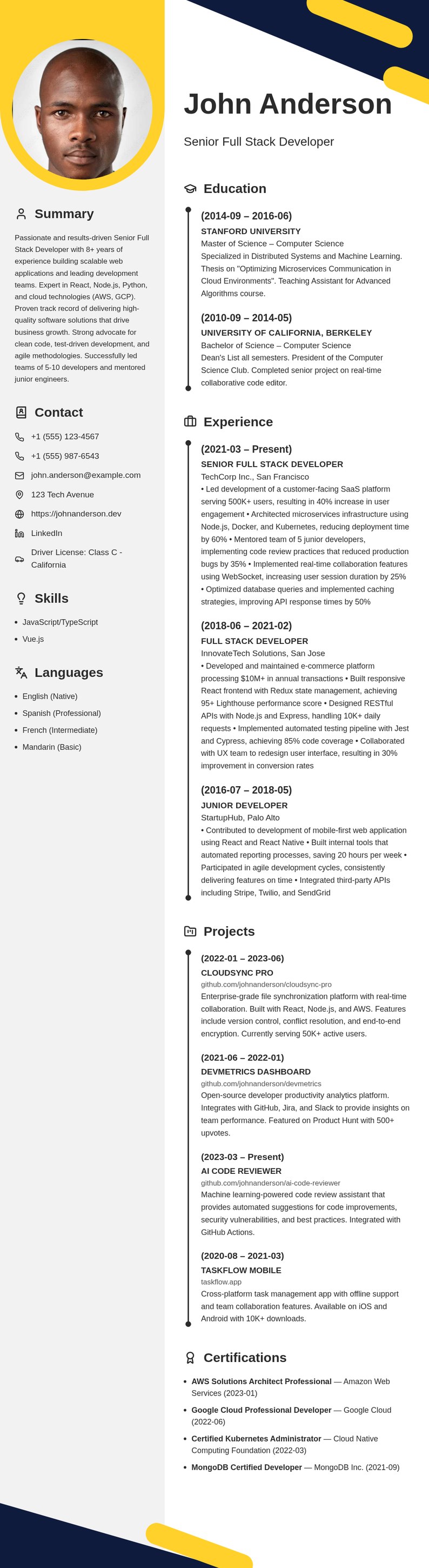
Sunshine Geometric
Creative
Yellow arc around a round photo, grey side column, navy and yellow corner shapes and timeline entries for education and experience.
 Premium
Classic Professional
Professional
Clean, traditional layout perfect for corporate roles
 Premium
Modern Sidebar
Modern
Contemporary two-column design with sidebar
 Premium
Executive
Professional
Elegant design for senior professionals
 Premium
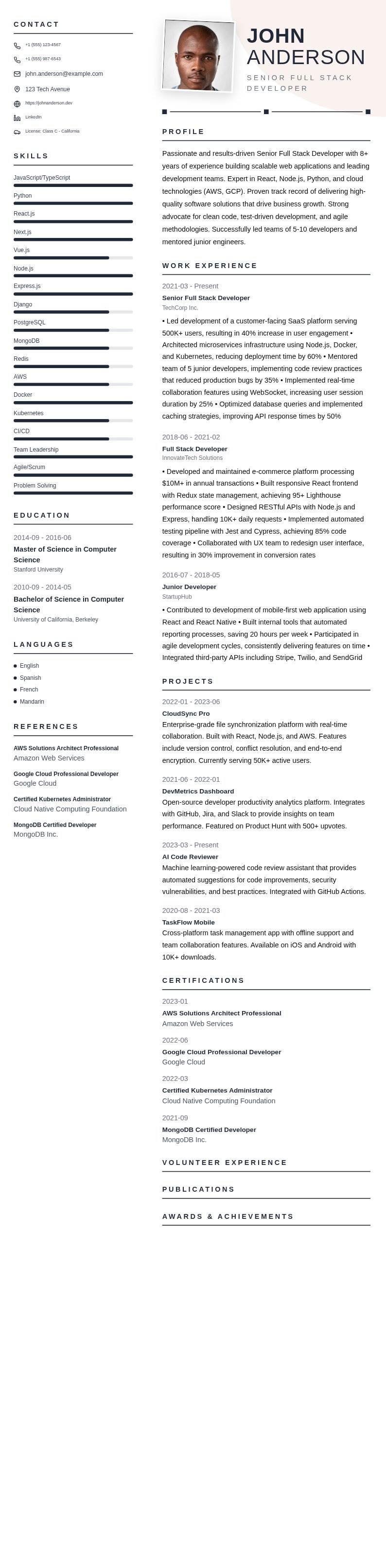
Modern Professional CV
Professional
Clean two-column design with blue sidebar header and circular photo
 Premium
Blue Minimalist Business
Professional
Clean two-column layout with photo, navy blue accents and timeline dots
How to choose a resume template
The best template is the one that gets your experience read. Before a recruiter sees your resume, it is usually parsed by an applicant tracking system (ATS) that pulls out your job titles, dates and skills. Every Clever CV template keeps that text machine-readable — no text baked into images, no tables that scramble the reading order — so the choice comes down to the industry you are applying to and how much design it rewards.
Professional templates
Single-column layouts with conventional section headings — Summary, Experience, Education, Skills — in the order recruiters expect. They suit finance, law, healthcare, government and any application that goes through a large company’s applicant tracking system. If you are unsure which template to pick, start here: a clean professional layout is never the wrong choice.
Modern templates
A sidebar or split layout that puts contact details, skills and languages in a narrow column so your experience gets the main space. They work well in technology, marketing, product and startups, where a slightly more contemporary look is welcome. Every modern template still keeps its text as real, selectable text, so ATS software can read it.
Creative templates
Bolder colour and typography for design, media, advertising and other fields where the resume itself is a small portfolio piece. Use them when you are applying directly to a person or a small studio. For large corporate portals, a professional or modern layout is the safer choice.
Tips for any template
- Match the template to the application, not your taste: the more formal the employer, the plainer the layout.
- Keep to one page with under ten years of experience, and two pages at most after that.
- Use the standard section names. ATS software looks for “Experience” and “Education”, not creative alternatives.
- Lead every bullet with a result and a number — “Cut onboarding time by 30%” beats “Responsible for onboarding”.
- Tailor the skills section to each job description; you can duplicate a resume and switch templates without retyping anything.
Not sure how to fill a section in? Browse resume examples by job title for wording that works in your field, or run your finished resume through the ATS checker before you apply.