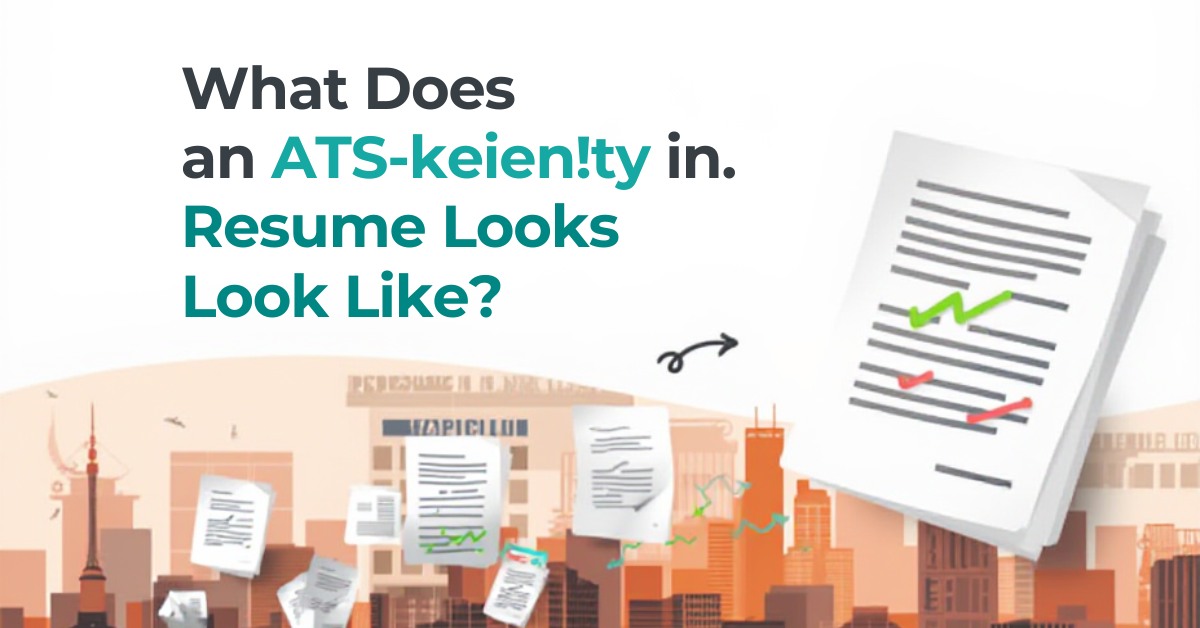
Many job seekers wonder "what does an ATS resume actually look like?" This visual guide shows you exactly what ATS systems can and cannot read, with before-and-after examples so you can format your resume for success.
Understanding ATS: What It Sees vs. What You See
When you submit a beautiful resume, here's the harsh reality: ATS systems don't see your careful formatting. They see raw text, stripped of design elements. Let's look at what this means for your resume.
What ATS Systems CAN Read
- ✅ Plain text in standard fonts
- ✅ Simple bullet points (•, -, or *)
- ✅ Standard section headings
- ✅ Contact information in the body (not headers)
- ✅ Single-column layouts
- ✅ Dates in standard formats (MM/YYYY or Month YYYY)
- ✅ .docx and most PDF files
What ATS Systems CANNOT Read (or Struggle With)
- ❌ Text inside images or graphics
- ❌ Tables and multi-column layouts
- ❌ Headers and footers
- ❌ Text boxes
- ❌ Charts, graphs, or infographics
- ❌ Creative fonts or symbols
- ❌ Unusual file formats (.pages, .odt, images)
ATS Resume Format: The Ideal Structure
Recommended Layout
┌─────────────────────────────────────────────┐
│                                             │
│              YOUR NAME                      │
│     [email protected] | (555) 123-4567        │
│     City, State | linkedin.com/in/yourname  │
│                                             │
├─────────────────────────────────────────────┤
│                                             │
│           PROFESSIONAL SUMMARY               │
│                                             │
│  3-4 sentences with key skills and value    │
│  proposition tailored to the target role.   │
│                                             │
├─────────────────────────────────────────────┤
│                                             │
│               EXPERIENCE                     │
│                                             │
│  Job Title                                  │
│  Company Name | City, State | MM/YYYY-MM/YYYY│
│  • Achievement bullet with keyword + result │
│  • Achievement bullet with keyword + result │
│  • Achievement bullet with keyword + result │
│                                             │
├─────────────────────────────────────────────┤
│                                             │
│               EDUCATION                      │
│                                             │
│  Degree Name                                │
│  University Name | Graduation Date          │
│                                             │
├─────────────────────────────────────────────┤
│                                             │
│                SKILLS                        │
│                                             │
│  Category: Skill 1, Skill 2, Skill 3        │
│  Category: Skill 1, Skill 2, Skill 3        │
│                                             │
└─────────────────────────────────────────────┘
Before & After: Real Resume Transformations
Example 1: Creative Design vs. ATS-Friendly
❌ BEFORE (ATS Problematic)
A two-column resume with:
- Sidebar with skills displayed as progress bars
- Header with name and contact in decorative box
- Icons next to each section heading
- Photo in the corner
- Custom fonts and colors
ATS Result: Name and contact info missed (in header). Skills bars unreadable. Column content scrambled. 30% of content lost.
✅ AFTER (ATS-Optimized)
Same content reformatted:
- Single column layout
- Contact info at top of body text
- Skills listed as plain text with categories
- Standard section headings without icons
- No photo, no graphics
- Arial font, 10-12pt
ATS Result: 100% content parsed correctly. All keywords detected. Ready for human review.
Example 2: Table-Based Layout vs. Clean Format
❌ BEFORE
┌──────────────────┬──────────────────────────┐
│ SKILLS           │ EXPERIENCE               │
│ • Python         │ Software Engineer        │
│ • JavaScript     │ Tech Company | 2020-2023 │
│ • React          │ • Built applications     │
└──────────────────┴──────────────────────────┘
ATS Result: Content often merges incorrectly: "SKILLSPythonEXPERIENCESoftware Engineer..."
✅ AFTER
SKILLS
Technical: Python, JavaScript, React, Node.js
Tools: Git, Docker, AWS, Jira

EXPERIENCE
Software Engineer
Tech Company | San Francisco, CA | 2020-2023
• Built web applications using React and Node.js
ATS Result: Clean parsing, proper categorization, all keywords captured.
Section-by-Section ATS Guidelines
Contact Information
ATS-Friendly Format:
John Smith
[email protected] | (555) 123-4567 | San Francisco, CA
linkedin.com/in/johnsmith | github.com/johnsmith
Key Points:
- Place in body text, NOT in document header
- Use standard separators (|, •, or line breaks)
- Include full URLs (linkedin.com/in/name) not just "LinkedIn"
- Skip full address - city and state sufficient
Professional Summary
ATS-Friendly Format:
PROFESSIONAL SUMMARY

Results-driven Software Engineer with 5+ years of experience
developing scalable web applications. Expert in Python, JavaScript,
and cloud technologies (AWS). Proven track record of leading
cross-functional teams and delivering projects that increased
efficiency by 40%.
Key Points:
- Use standard heading: "Professional Summary" or "Summary"
- Include 3-5 key skills matching job description
- Front-load with important keywords
- Avoid first-person pronouns
Work Experience
ATS-Friendly Format:
EXPERIENCE

Senior Software Engineer
ABC Technology Inc. | New York, NY | March 2021 - Present

• Developed microservices architecture using Python and AWS,
  reducing system latency by 50%
• Led team of 5 engineers implementing CI/CD pipelines with
  Jenkins and Docker
• Designed RESTful APIs handling 2M+ daily requests with
  99.99% uptime
Key Points:
- Job title on its own line
- Company, location, dates on next line
- Consistent date format throughout
- Simple bullet points (not fancy symbols)
- Keywords naturally integrated with results
Skills Section
ATS-Friendly Format:
SKILLS

Programming Languages: Python, JavaScript, TypeScript, Java, SQL
Frameworks: React, Node.js, Django, FastAPI
Cloud & DevOps: AWS (EC2, S3, Lambda), Docker, Kubernetes, CI/CD
Tools: Git, Jira, Confluence, Figma
Key Points:
- Group by category for readability
- List both acronyms and full names: "AWS (Amazon Web Services)"
- Prioritize skills from job description
- Avoid rating scales or progress bars
File Format: .docx vs. PDF
When to Use .docx (Word)
- Application specifically requests Word format
- Applying to older or traditional companies
- When in doubt about ATS compatibility
When to Use PDF
- Application accepts or requests PDF
- Applying to modern tech companies
- When formatting preservation is critical
Pro Tip: Create both versions. Use .docx for ATS applications and PDF for direct emails or networking.
The Plain Text Test
Before submitting, test your resume:
- Open your resume file
- Select All (Ctrl+A / Cmd+A)
- Copy (Ctrl+C / Cmd+C)
- Open Notepad or TextEdit (plain text mode)
- Paste (Ctrl+V / Cmd+V)
Check for:
- Is all content present?
- Is the order logical?
- Are sections clearly separated?
- Can you read all the text?
If anything looks scrambled, reformatted, or missing—ATS will have the same problems.
Common ATS Mistakes to Avoid
| Mistake | Why It's a Problem | Solution |
|---|---|---|
| Name in header | Headers often ignored by ATS | Put name in body text |
| Skill icons/graphics | Images are invisible to ATS | List skills as plain text |
| Creative section names | "My Journey" confuses ATS | Use "Experience" instead |
| Columns/tables | Content order gets scrambled | Single column layout |
| Unusual fonts | May not render correctly | Arial, Calibri, Times |
ATS Resume Checklist
Before submitting, verify:
- ☐ Single-column layout
- ☐ Standard section headings
- ☐ Contact info in body (not header)
- ☐ No tables, text boxes, or graphics
- ☐ Simple bullet points
- ☐ Standard fonts (Arial, Calibri, Times New Roman)
- ☐ Consistent date formatting
- ☐ Keywords from job description included
- ☐ File saved as .docx or PDF
- ☐ Passed the plain text test
Conclusion
An ATS-friendly resume doesn't have to be boring—it just needs to be readable by machines AND humans. Focus on clean formatting, strategic keywords, and compelling content. The goal is getting past ATS so a real person can see your qualifications.
Want a guaranteed ATS-friendly resume? Our resume builder automatically formats your resume for ATS compatibility while keeping it visually appealing for human reviewers.