0%
Resume Writing

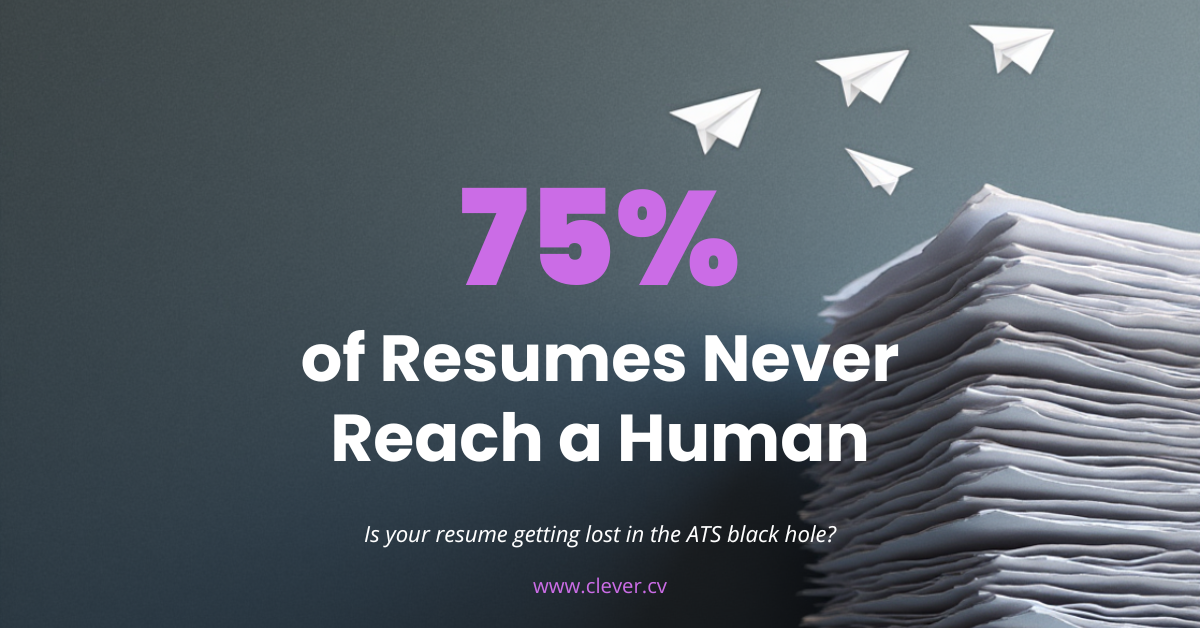
75% of Resumes Never Reach a Human

Discover why 75% of resumes are automatically rejected by ATS software before a human ever sees them. Learn how Applicant Tracking Systems work and exactly how to optimize your resume to get past the robots.

Clever CV Team

Career Expert

5 min read
788 views
5 min read976 words788
ATS resume rejection statistics infographic

The Hidden Gatekeeper Rejecting Your Resume

You've perfected your resume. Tailored every bullet point. Triple-checked for typos. You hit "submit" with confidence—and never hear back. The frustrating truth? A human probably never saw your application. A robot rejected you first.

75%
of resumes are rejected by ATS before a human ever sees them

This isn't a bug in the hiring process—it's the feature. Companies receive hundreds or thousands of applications for every open position. To manage this flood, over 98% of Fortune 500 companies and 75% of all employers use Applicant Tracking Systems (ATS) to automatically screen resumes.

If your resume isn't optimized for these digital gatekeepers, you're invisible—no matter how qualified you are.


What Is an ATS (And Why Should You Care)?

🤖

An Applicant Tracking System is software that scans, parses, and ranks resumes based on keywords, formatting, and relevance to the job posting—before any human reviews them.

Popular ATS platforms include Taleo, Workday, Greenhouse, Lever, iCIMS, and BambooHR. Each works slightly differently, but they all do the same thing: filter out candidates automatically.

How the ATS Process Works

You Apply
ATS Scans Resume
Keyword Matching
75% Rejected
Top 25%
Human Review
6-Second Scan
Interview

Why Resumes Get Rejected by ATS

Your resume can be rejected for reasons that have nothing to do with your qualifications. Here are the most common ATS killers:

1
Wrong File Format Submitting .pages, .odt, or image-based PDFs that ATS can't read
2
Fancy Formatting Tables, columns, graphics, text boxes, and creative layouts
3
Missing Keywords Not matching the exact terms from the job description
4
Headers & Footers Contact info in headers often gets completely ignored
5
Unusual Section Names "My Journey" instead of "Work Experience"
6
Images & Icons Logos, photos, skill bars, and graphic elements
The Harsh Reality: A beautifully designed resume that looks impressive to humans often scores ZERO in an ATS because the system literally cannot read it.

The Keyword Problem

ATS systems match your resume against keywords from the job posting. If you don't include the right terms—in the right way—you're automatically filtered out.

Example Job Requirement:

"5+ years of project management experience with PMP certification, proficient in Agile/Scrum methodology and JIRA"

What ATS Looks For:
Project Management PMP Agile Scrum JIRA
✗ Resume That Gets Rejected

"Experienced leader with strong organizational skills. Managed multiple initiatives using modern methodologies and tracking tools."

Project Management PMP Agile JIRA
✓ Resume That Passes ATS

"PMP-certified Project Manager with 7 years of experience. Led cross-functional teams using Agile and Scrum methodologies, tracking all deliverables in JIRA."

Project Management ✓ PMP ✓ Agile ✓ JIRA ✓
Pro Tip: Mirror the Job Posting
If the job says "project management," don't write "managing projects." If it says "JavaScript," don't just write "JS." ATS systems often can't recognize synonyms or abbreviations.

The ATS Scoring System

Most ATS platforms score your resume from 0-100% based on how well it matches the job requirements. Here's what typically happens:

Match Score Result
80-100%

→ Forwarded to recruiter for review

60-79%

→ Maybe reviewed if candidate pool is small

Below 60%

→ Automatically rejected—never seen by humans

Key Insight: Most companies set their ATS threshold at 70-80%. If your resume scores below that, it's instantly discarded—regardless of your actual qualifications.

How to Beat the ATS: 10 Essential Rules

1
Use Standard Section Headings Work Experience, Education, Skills, Summary—not creative alternatives
2
Submit as .docx or Simple PDF Avoid .pages, images, or PDFs with non-selectable text
3
Avoid Tables and Columns Use single-column layout—ATS reads left-to-right, top-to-bottom
4
Include Keywords Naturally Mirror exact phrases from the job posting throughout your resume
5
Use Standard Fonts Arial, Calibri, Times New Roman, Helvetica—nothing decorative
6
Put Contact Info in Body Never in headers, footers, or text boxes
7
Spell Out Acronyms Write "Search Engine Optimization (SEO)" the first time
8
Remove Graphics and Icons No logos, photos, skill bars, or decorative elements
9
Use Simple Bullet Points Standard bullets (•) only—no arrows, checkmarks, or custom symbols
10
Include a Skills Section List technical skills, tools, and certifications explicitly

ATS-Friendly vs. ATS-Killed: Real Examples

Contact Section

✗ In Header (Invisible to ATS)

[Contact info placed in document header—ATS cannot read this]

✓ In Body (ATS Readable)

John Smith
[email protected] | (555) 123-4567 | New York, NY | linkedin.com/in/johnsmith

Skills Section

✗ Graphic Skill Bars (Unreadable)

[Visual progress bars showing skill levels—ATS sees nothing]

✓ Text List (ATS Readable)

Technical Skills: Python, JavaScript, SQL, AWS, Docker, Kubernetes, React, Node.js, Git

Work Experience

✗ Two-Column Layout

[Dates on left, content on right—ATS scrambles the text order]

✓ Single Column

Marketing Manager | ABC Company | Jan 2020 - Present
• Increased lead generation by 145% through SEO optimization


ATS Optimization Checklist

Before submitting your next application, verify:

Standard file format (.docx or PDF)
Contact info in document body
Single-column layout
No tables or text boxes
Standard section headings
Keywords from job posting
Standard fonts used
No graphics or images
Acronyms spelled out
Simple bullet points only
Dedicated skills section
Text is selectable (not image)

The Bottom Line

The ATS isn't going away. As application volumes continue to rise, companies will rely on automated screening even more. But here's the good news: most candidates don't optimize for ATS—which means if you do, you immediately jump ahead of 75% of your competition.

  • Format for machines first, humans second
  • Include exact keywords from every job posting
  • Keep design simple—creativity kills your chances
  • Test your resume before submitting

Remember: You can't impress a hiring manager who never sees your resume. Beat the robot first, then wow the human.

Get Past the ATS Every Time

Our AI-powered resume builder automatically formats your resume for ATS compatibility, suggests relevant keywords from job postings, and ensures your qualifications actually reach human recruiters.

Build Your ATS-Proof Resume

ATSapplicant tracking systemresume tipsresume optimizationjob applicationresume keywords

Frequently Asked Questions

What is an ATS and why does it reject resumes?

An Applicant Tracking System (ATS) is software that automatically scans and filters resumes based on keywords, formatting, and relevance to job postings. It rejects resumes due to missing keywords, incompatible formatting (tables, graphics, fancy fonts), wrong file formats, and information placed in headers/footers that can't be parsed.

What percentage of resumes are rejected by ATS?

Studies show that approximately 75% of resumes are rejected by ATS before a human recruiter ever sees them. Over 98% of Fortune 500 companies and 75% of all employers use ATS software to screen applications, making optimization essential for job seekers.

How do I make my resume ATS-friendly?

To pass ATS screening: use standard section headings, submit as .docx or simple PDF, avoid tables and columns, include exact keywords from the job posting, use standard fonts, put contact info in the document body (not headers), spell out acronyms, remove all graphics and images, and use simple bullet points.

What keywords should I include to pass ATS?

Include the exact keywords and phrases from the job posting. If the job requires 'project management,' use that exact phrase—not 'managing projects.' Include technical skills, certifications, tools, and methodologies mentioned in the listing. Spell out acronyms the first time (e.g., 'Search Engine Optimization (SEO)').

Clever CV Team

Career Expert & Content Writer

Our team of career experts is dedicated to helping job seekers create outstanding resumes and land their dream jobs.

Ready to create your resume?

Put these tips into action with our AI-powered resume builder.